Guide
Users & files
Roles, personal homes, Live browse, and on-device file operations.
Roles at a glance
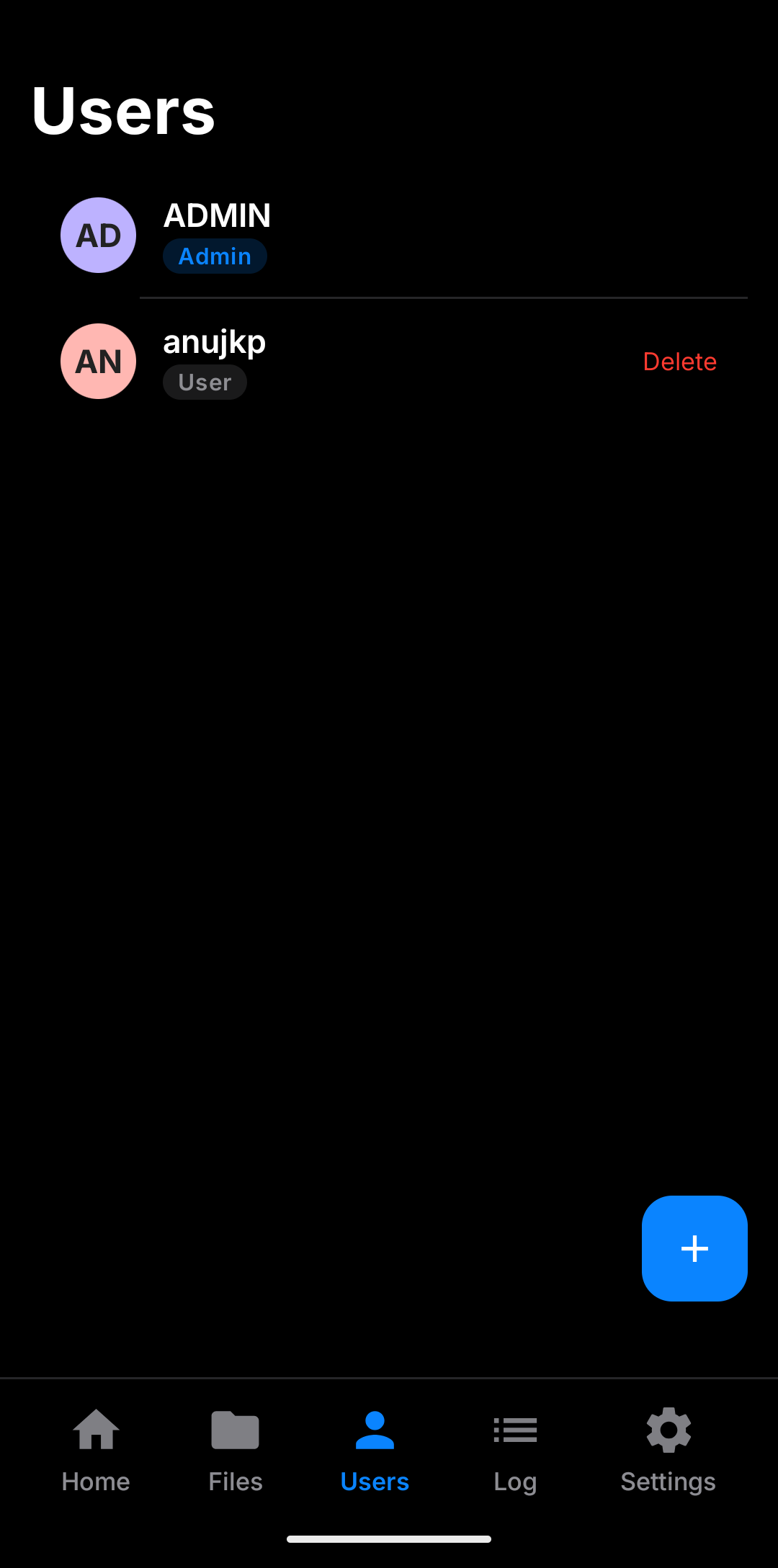
- Admin — full root over WebDAV; no automatic personal folder.
- User — sandboxed to
{root}/{username}. - Read-only — only on User role; blocks write methods.
- Last admin — cannot delete or demote the only admin.
- Promote to admin — warns that the home becomes the root and clients may need reconfiguration.
Passwords are stored as salted SHA-256 in EncryptedSharedPreferences.
Files on device
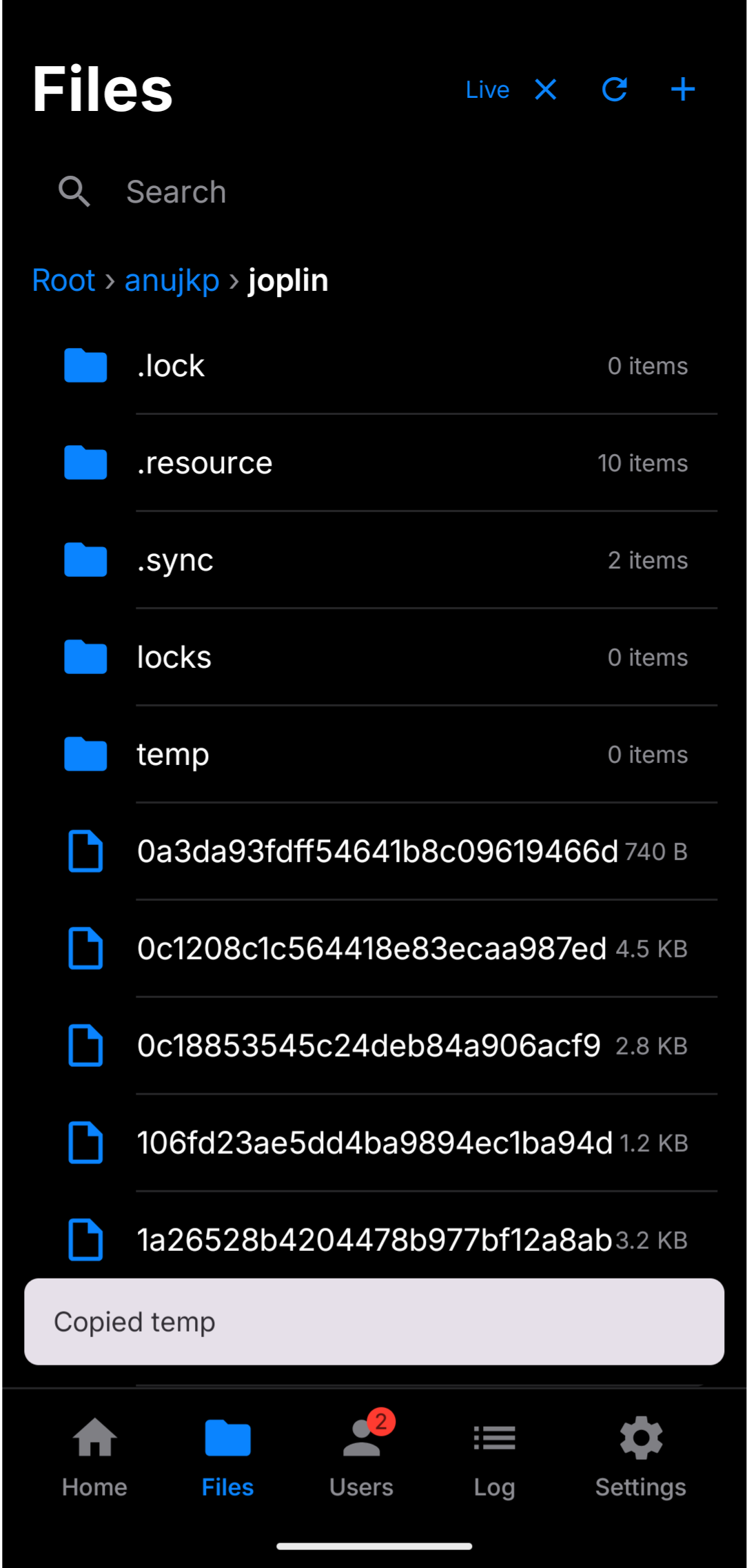
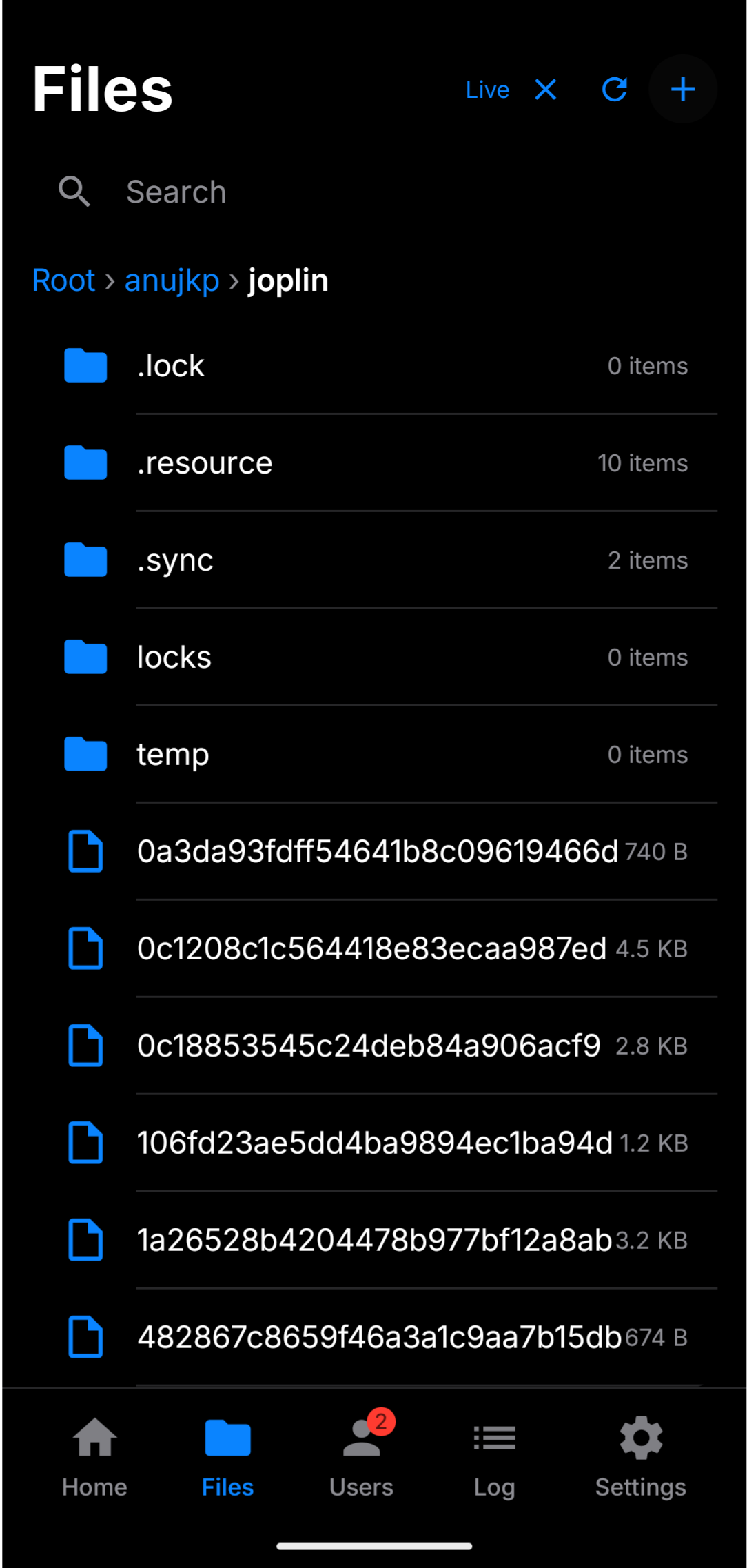
The Files tab is for local management of the shared tree:
- Create files and folders (when a root is selected)
- Rename, delete, copy, cut, paste
- Live mode for near real-time updates
- Auto-refresh when you return to the tab
Sort is fixed: folders first, then name A→Z.
Notifications
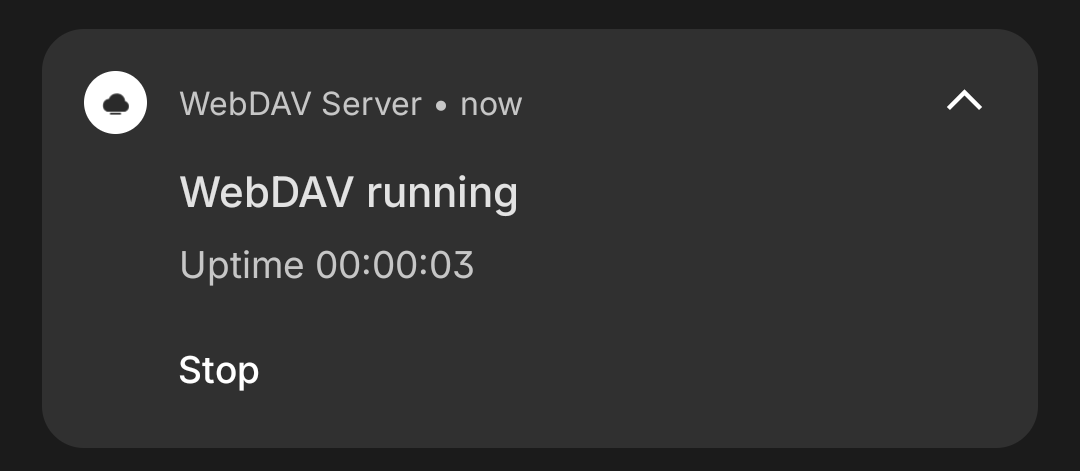
File actions and the running server can surface system notifications. You can hide the IP in the notification from Settings if the phone is shared.