Product
Features
Home, Files, Users, Log, Settings — and how they work together.
A fixed AMOLED theme, five bottom tabs, and an embedded Ktor CIO WebDAV engine.
Home
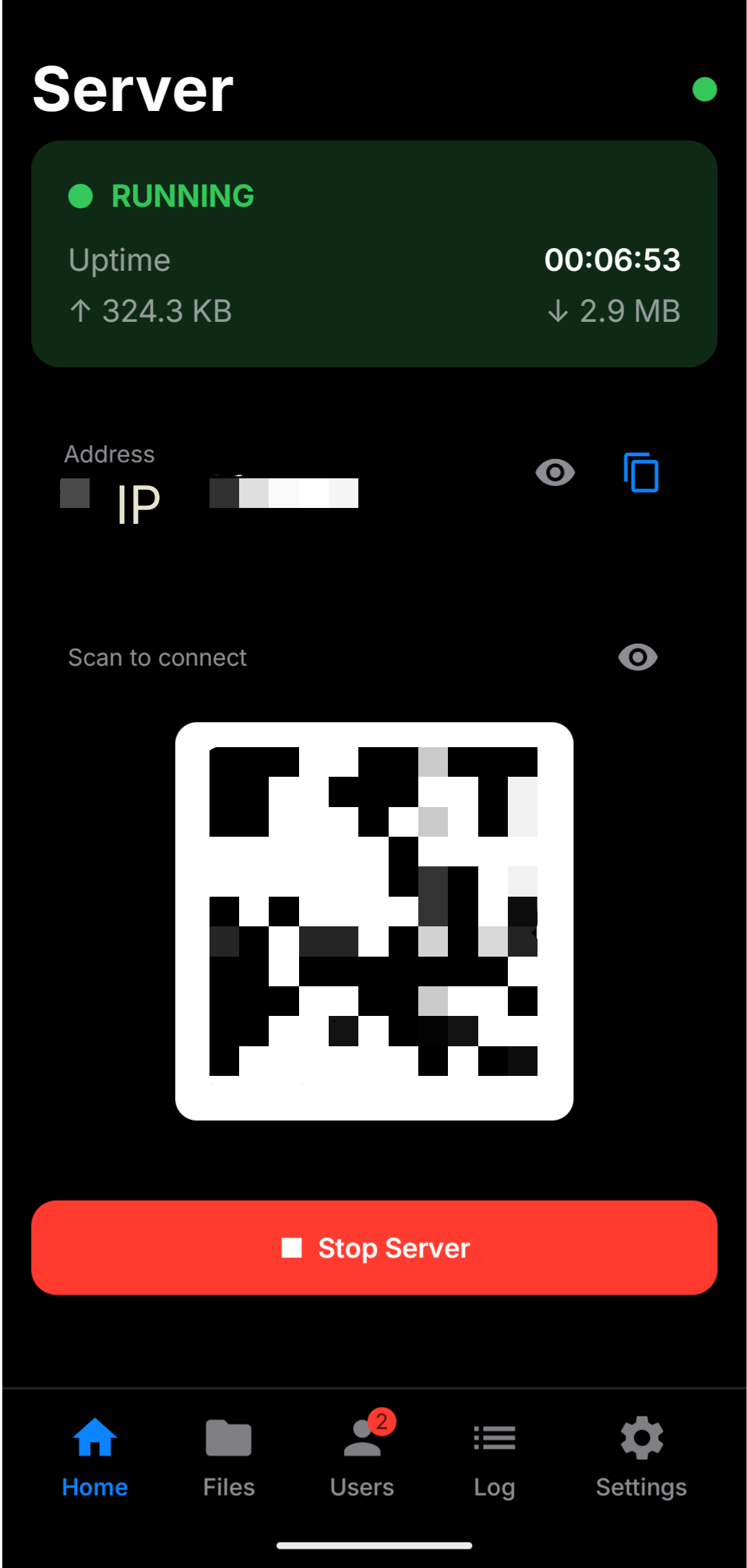
Start and stop the server, watch uptime and transfer counters, copy the address, or scan a QR code.
Hide address & QR (eye icons)
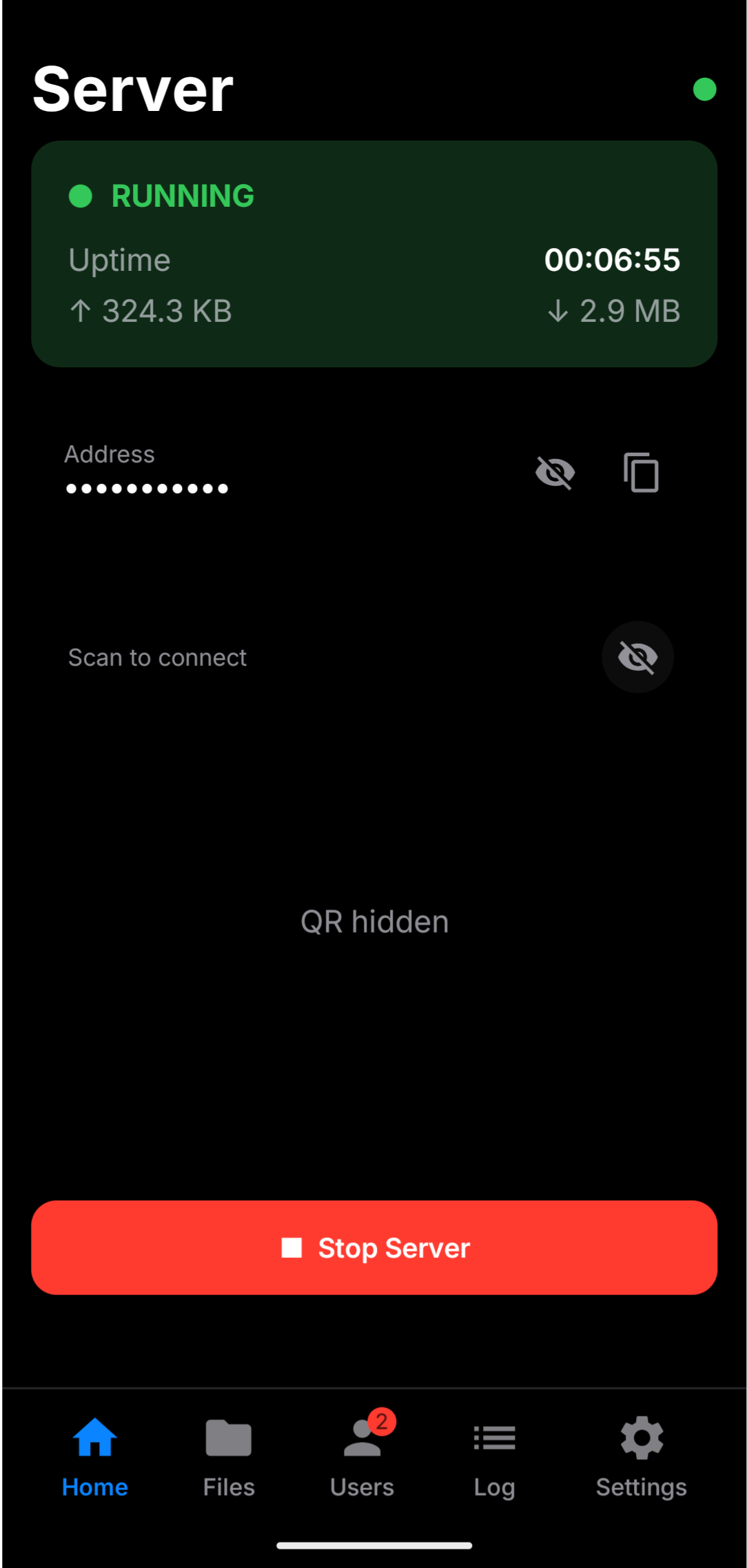
On Home, each eye icon toggles privacy on screen:
| Control | When visible | When hidden |
|---|---|---|
| Address eye | Full LAN URL + copy | Address blurred / hidden |
| QR eye | “Scan to connect” code | QR section hidden |
Tap again (open eye) to show them.
Files
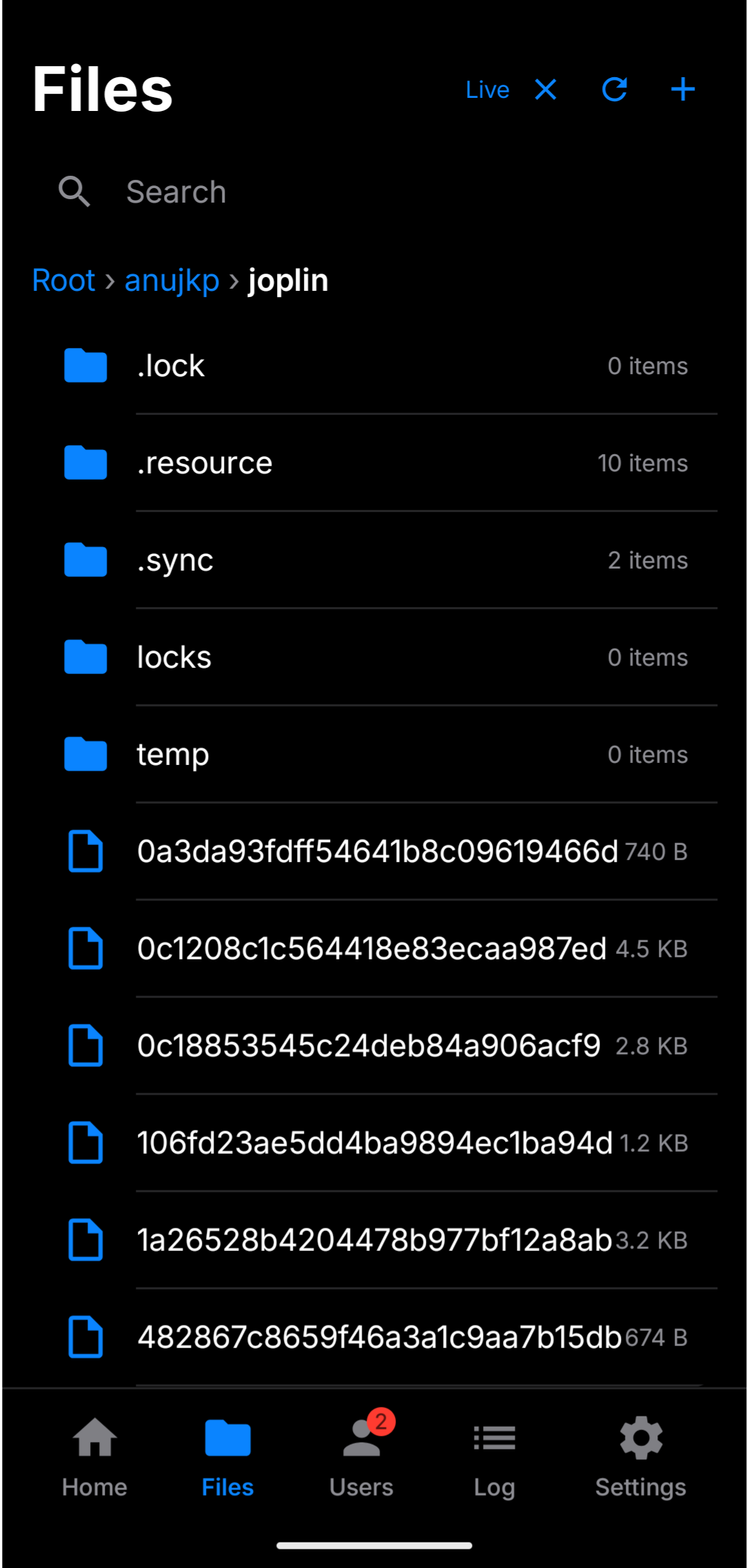
Browse the shared root on the device. Live refreshes when files change without spamming the request log.
| Control | Behavior |
|---|---|
| Live | Real-time updates; full refresh when turned on |
| Refresh | Manual reload of the current folder |
| + | New file / folder / paste — disabled until a root is set |
| Long-press | Rename, copy, cut, delete, paste, and more |
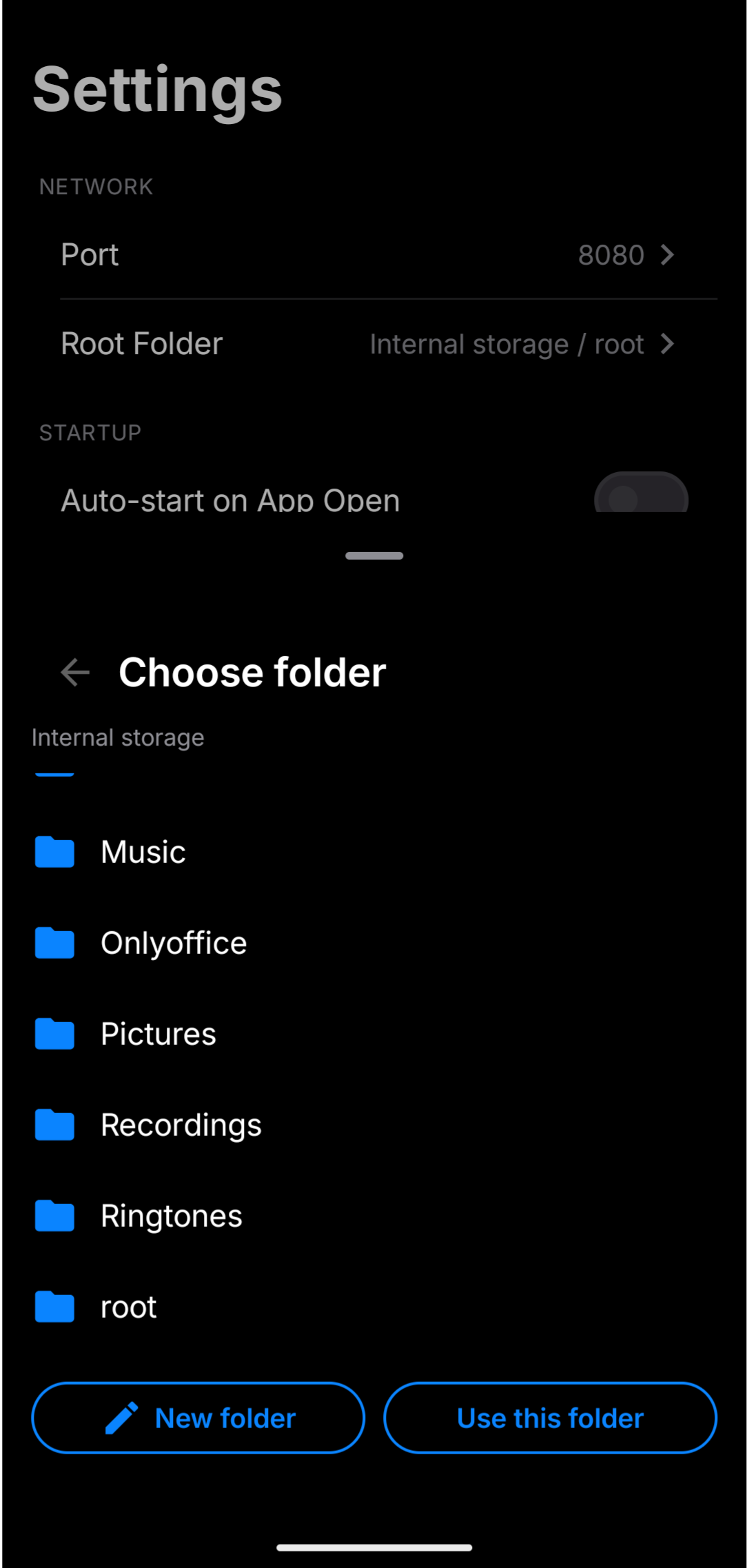
Root folder picker
Settings (or setup) opens an in-app folder picker after files access is granted.
Users
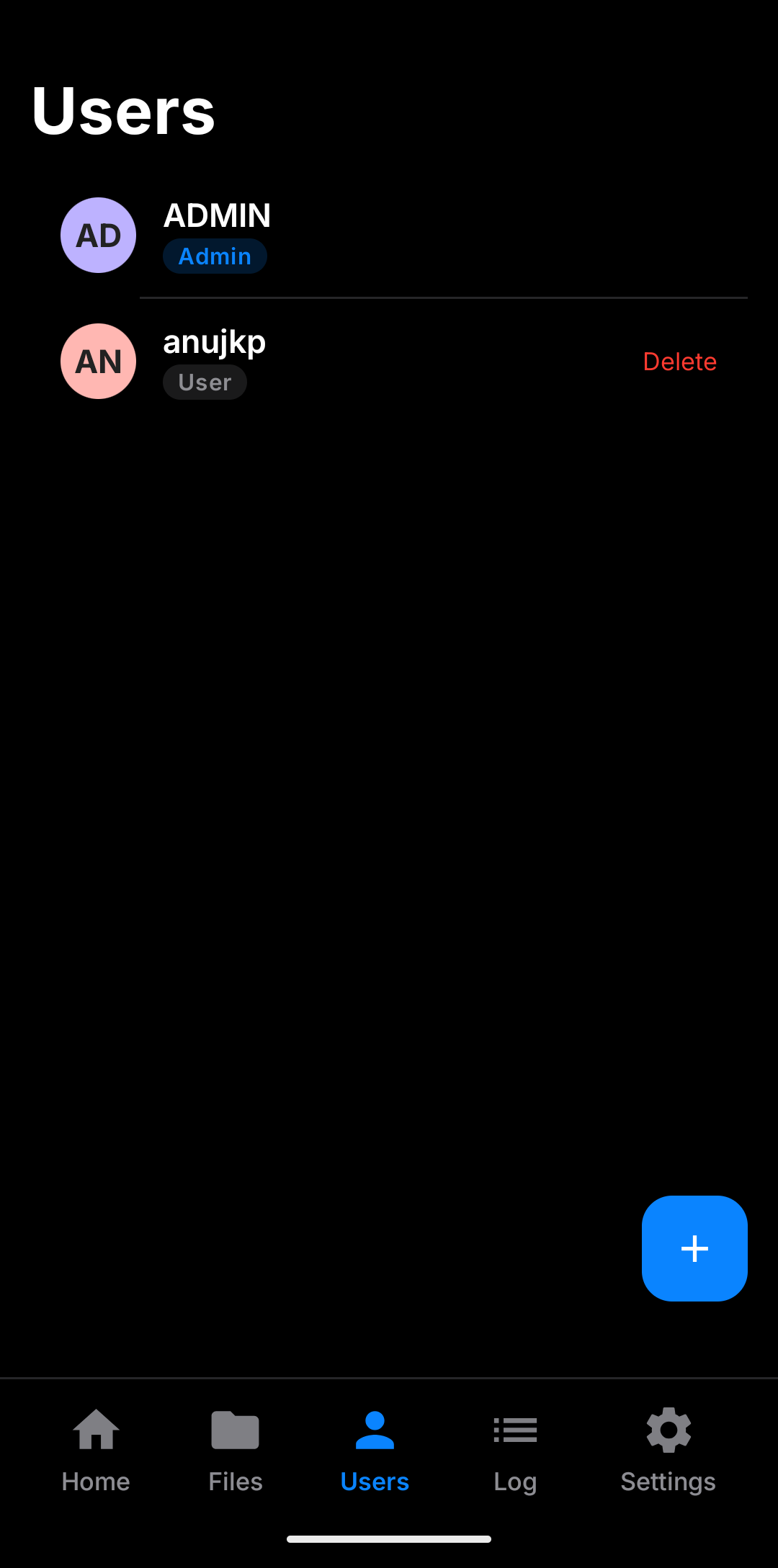
| Role | WebDAV home |
|---|---|
| Admin | Global root |
| User | {root}/{username} |
| Read-only (User only) | Writes blocked |
Last remaining admin cannot be deleted or demoted.
Log
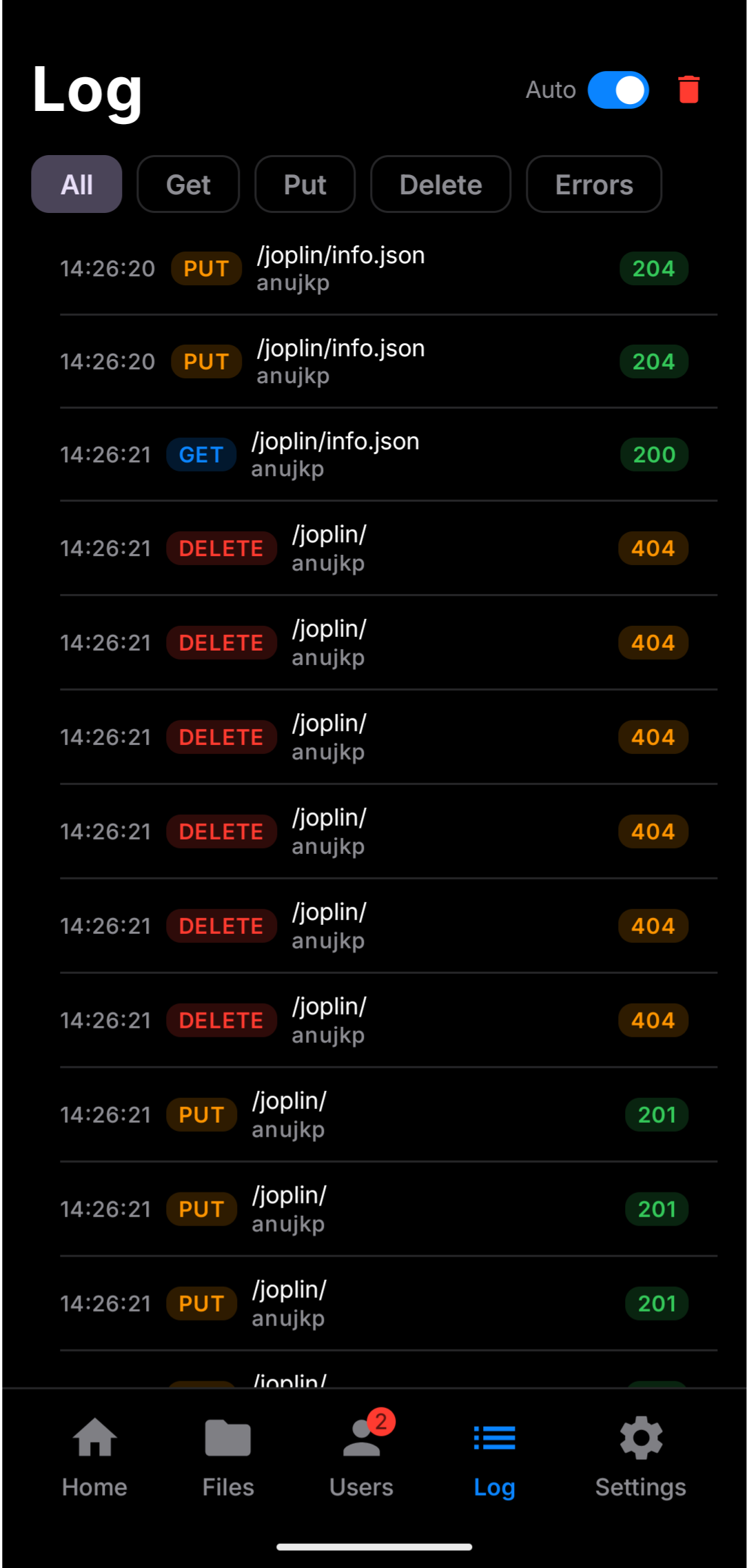
Every real server request: method, path, user, status, client IP, and time. Filters for All / Get / Put / Delete / Errors. Live file browsing does not flood this list.
Settings
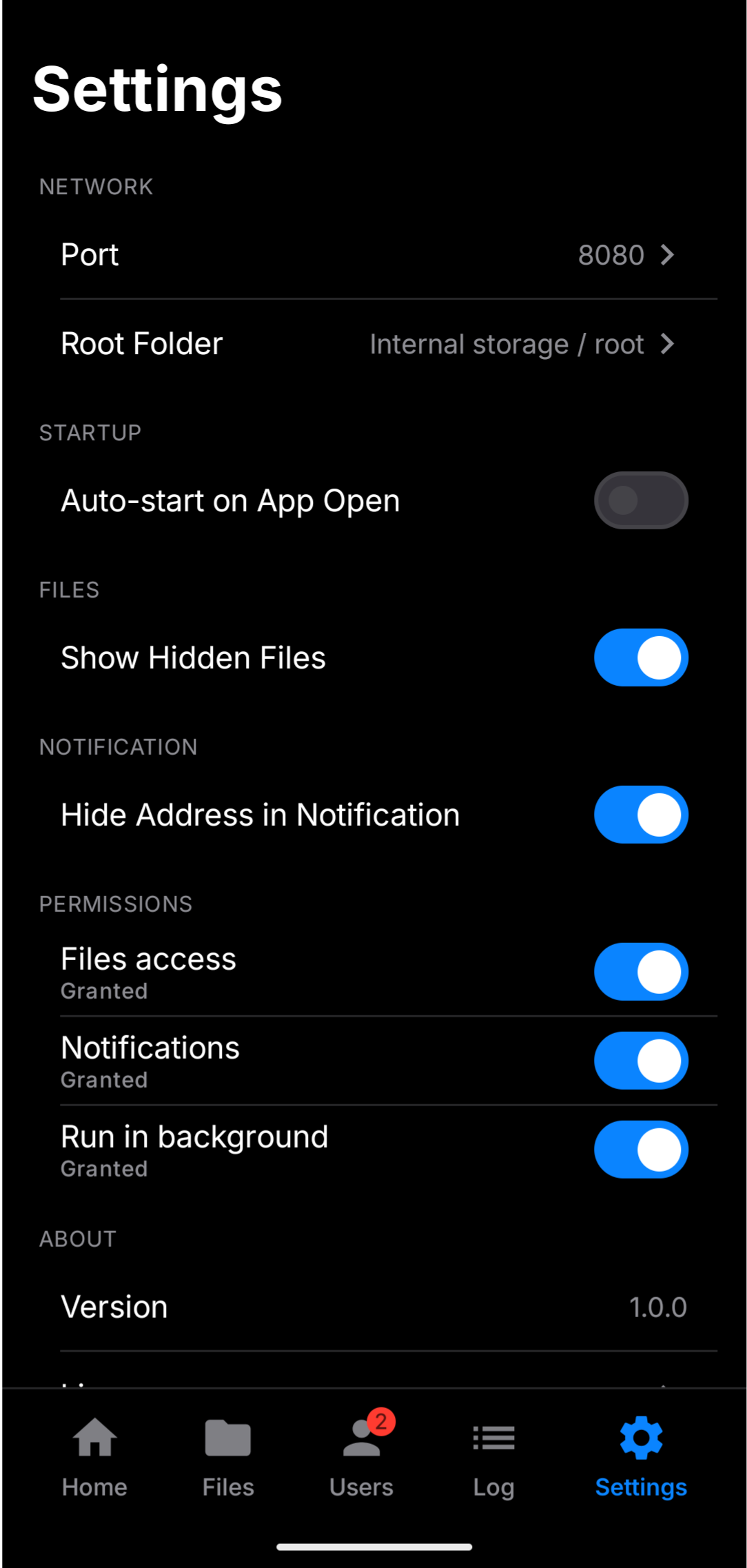
Port, root folder, auto-start, show hidden files, permissions, and notification privacy.
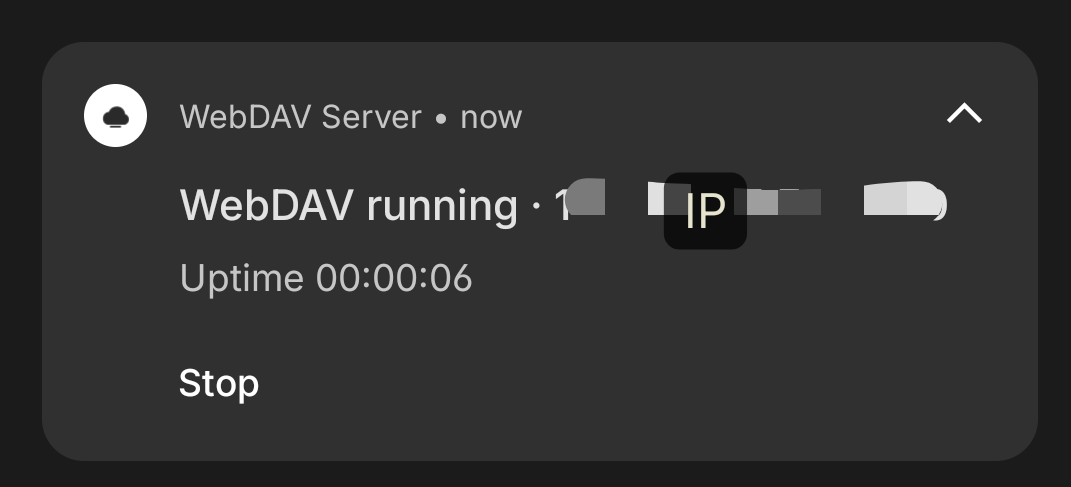
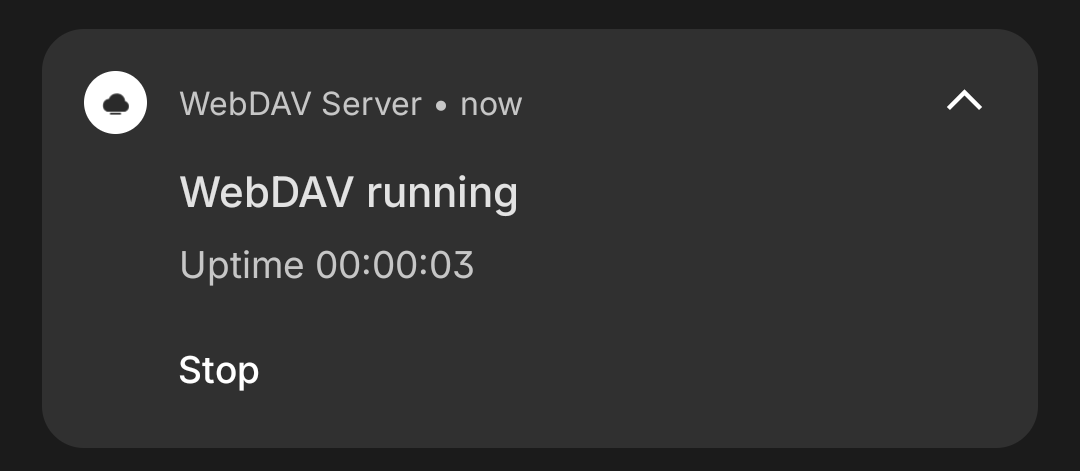
Hide address in notification
| Toggle | Notification shows |
|---|---|
| Off | IP:port in the shade |
| On | Status without exposing the LAN address |
This is separate from the Home eye icons — use both for on-screen and notification privacy.
Real-world sync
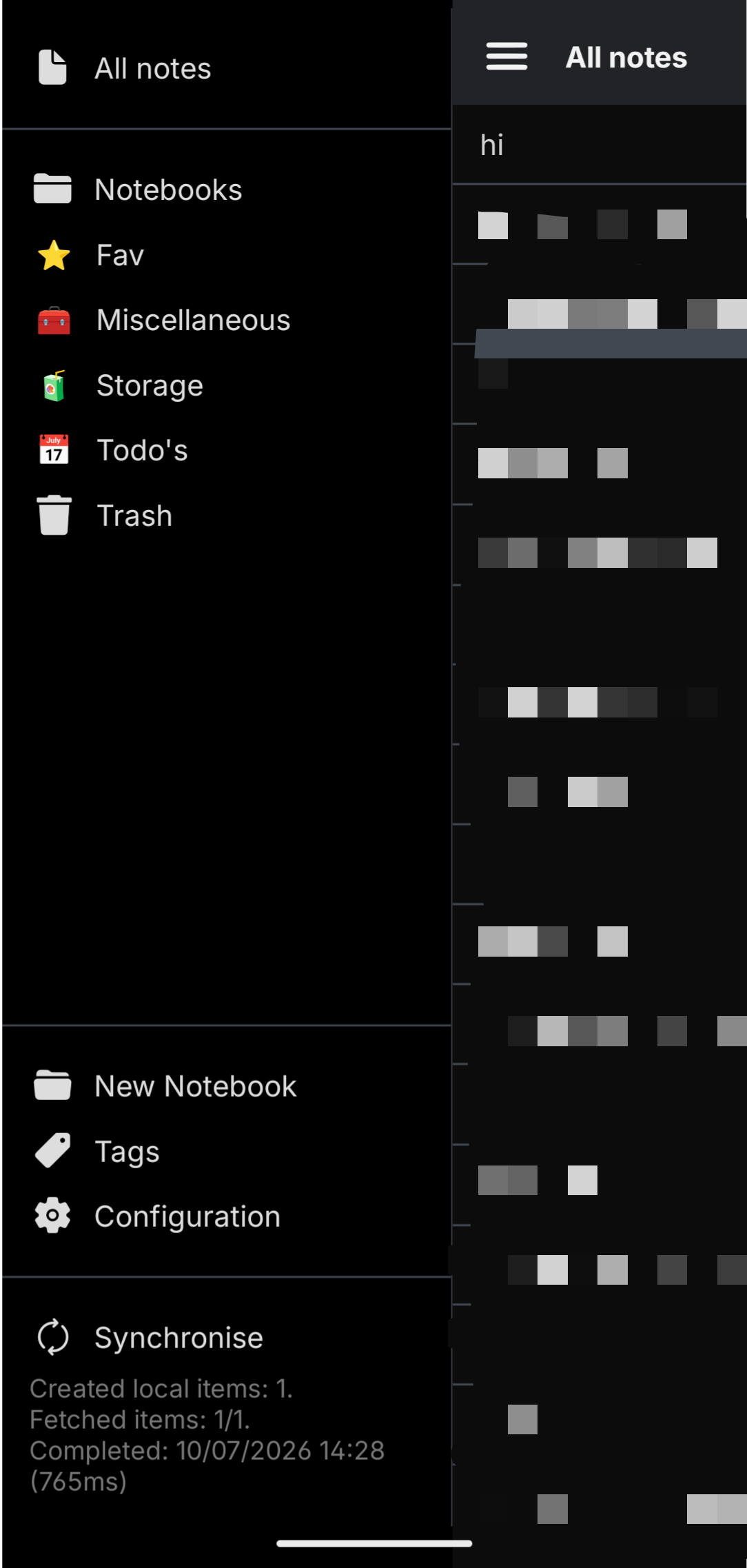
Works with standard WebDAV clients — including note apps like Joplin.