
Help
Troubleshooting
Fix common start, auth, path, and background issues.
Quick fixes
| Symptom | What to try |
|---|---|
| Port already in use | Settings → Port (e.g. 8081), then restart |
| No root folder | Settings → Root Folder; grant files access first |
| Access revoked | Re-enable Files access and re-pick the root |
| No IP / offline | Reconnect Wi‑Fi or hotspot; open Home to refresh |
| 401Unauthorized | Wrong password, or client not sending Basic auth |
| 403Forbidden | Read-only user writing, or user without a home |
| 404Not found | Path wrong relative to that user’s root |
| Server dies in background | Enable Run in background + notifications |
| Files + disabled | Select a root folder first |
Browser downloads
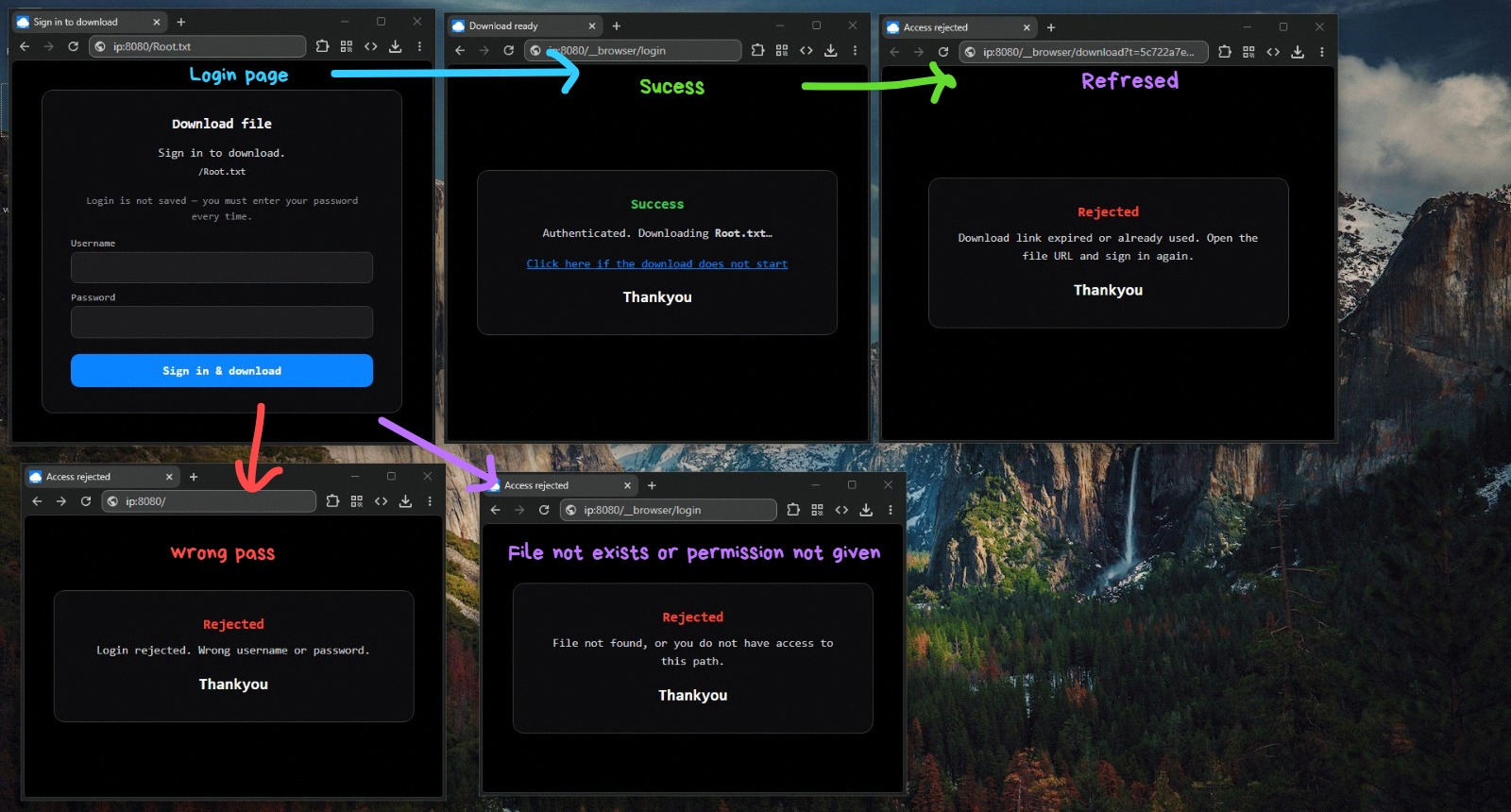
- Wrong password, folder path, or expired one-time link → Rejected page.
- Download did not start → use “Click here if the download does not start” on the success page (links are short-lived and single-use).
- Opening
/favicon.iconever downloads your storage file named the same way — that URL is the public site icon. - Root
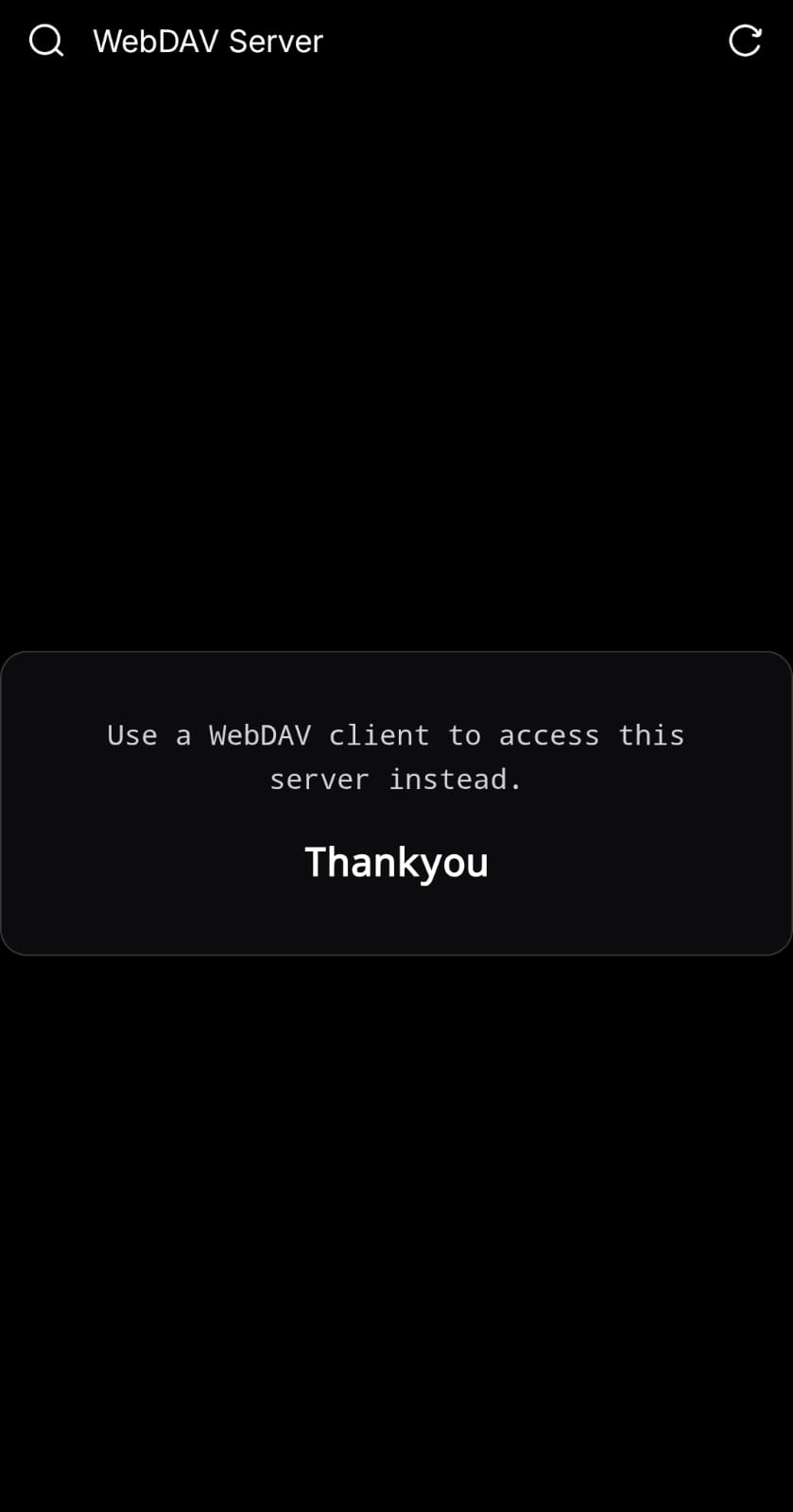
/in a browser is only the “use a WebDAV client” portal — not a file browser. Use a file URL for the sign-in → one-time download flow.
Log filters
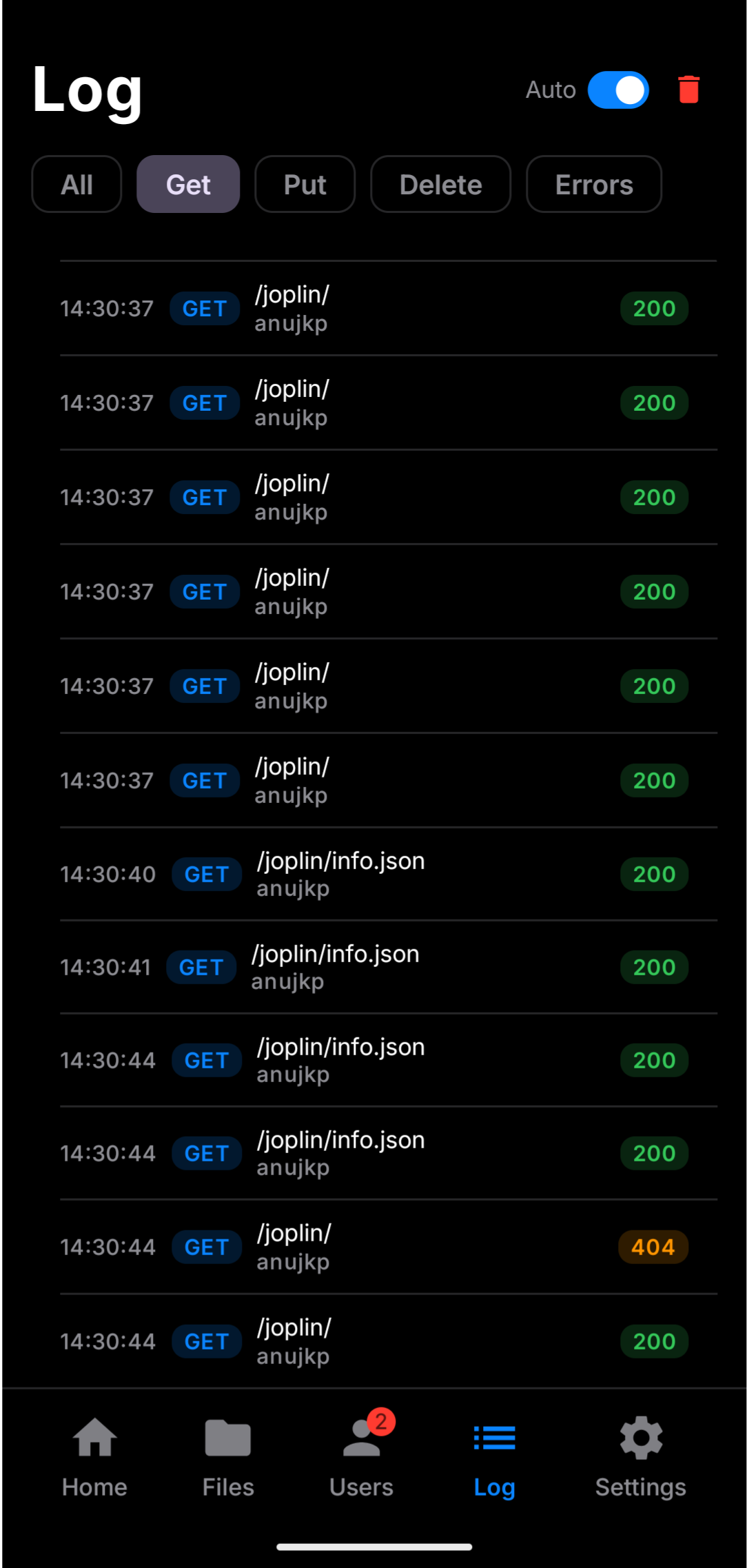
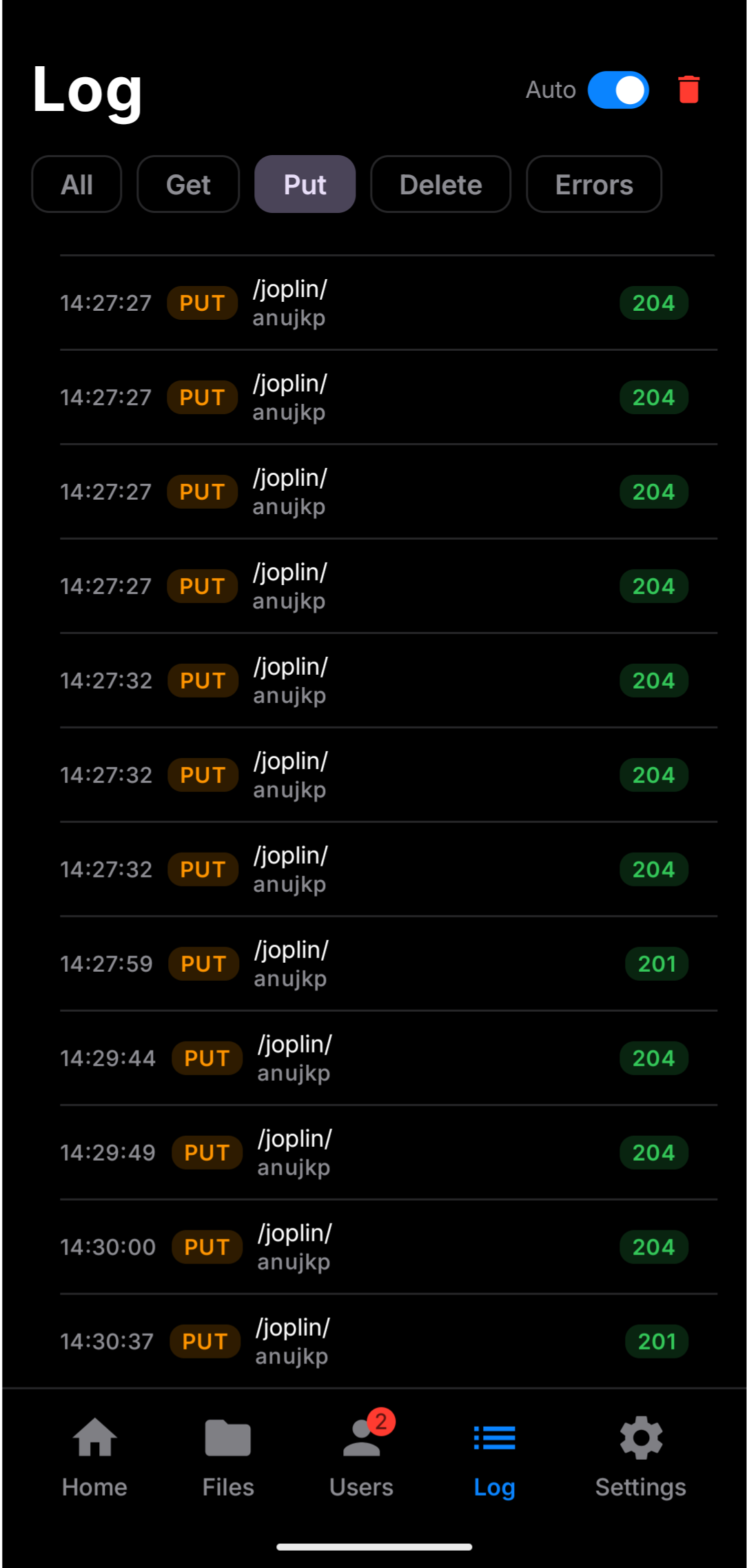
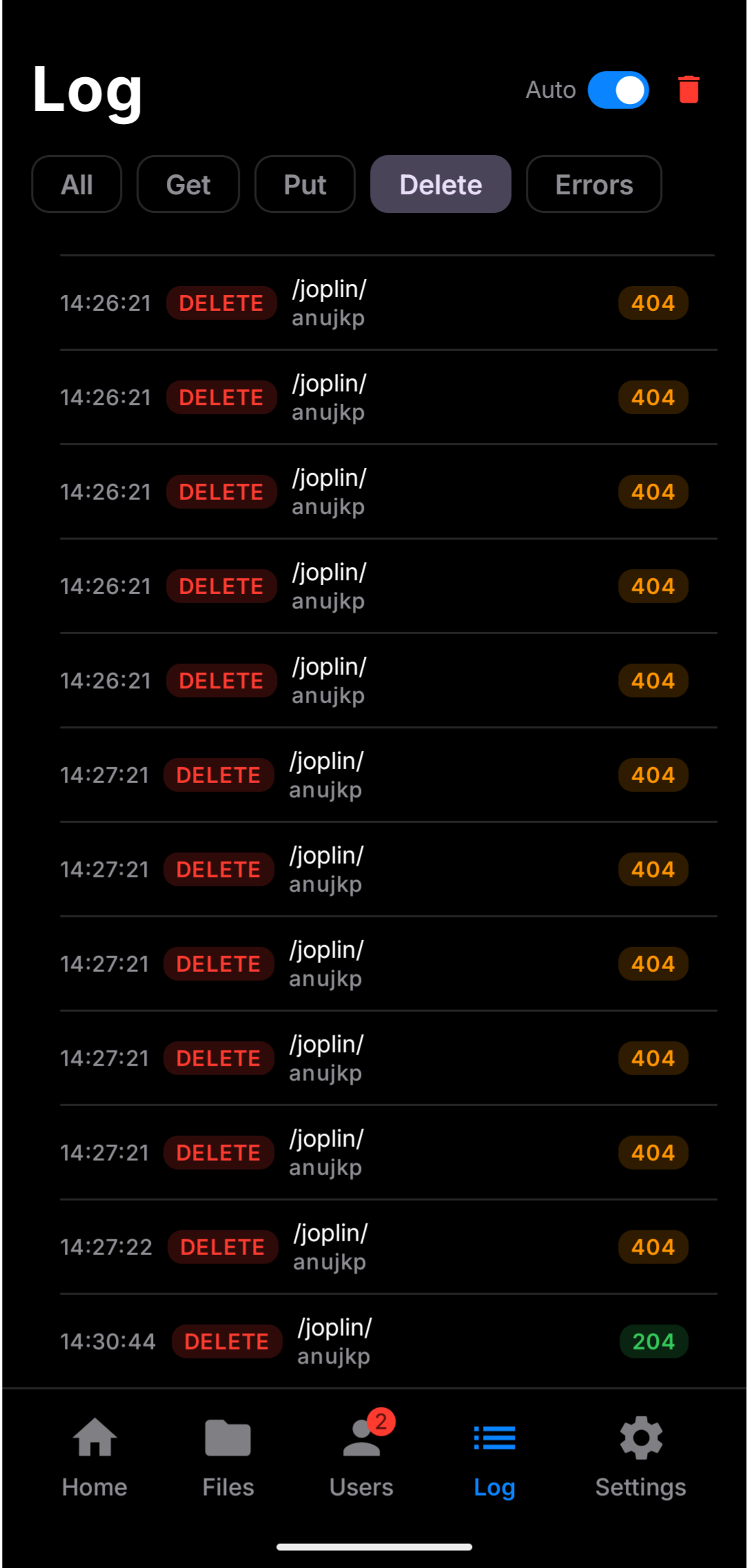
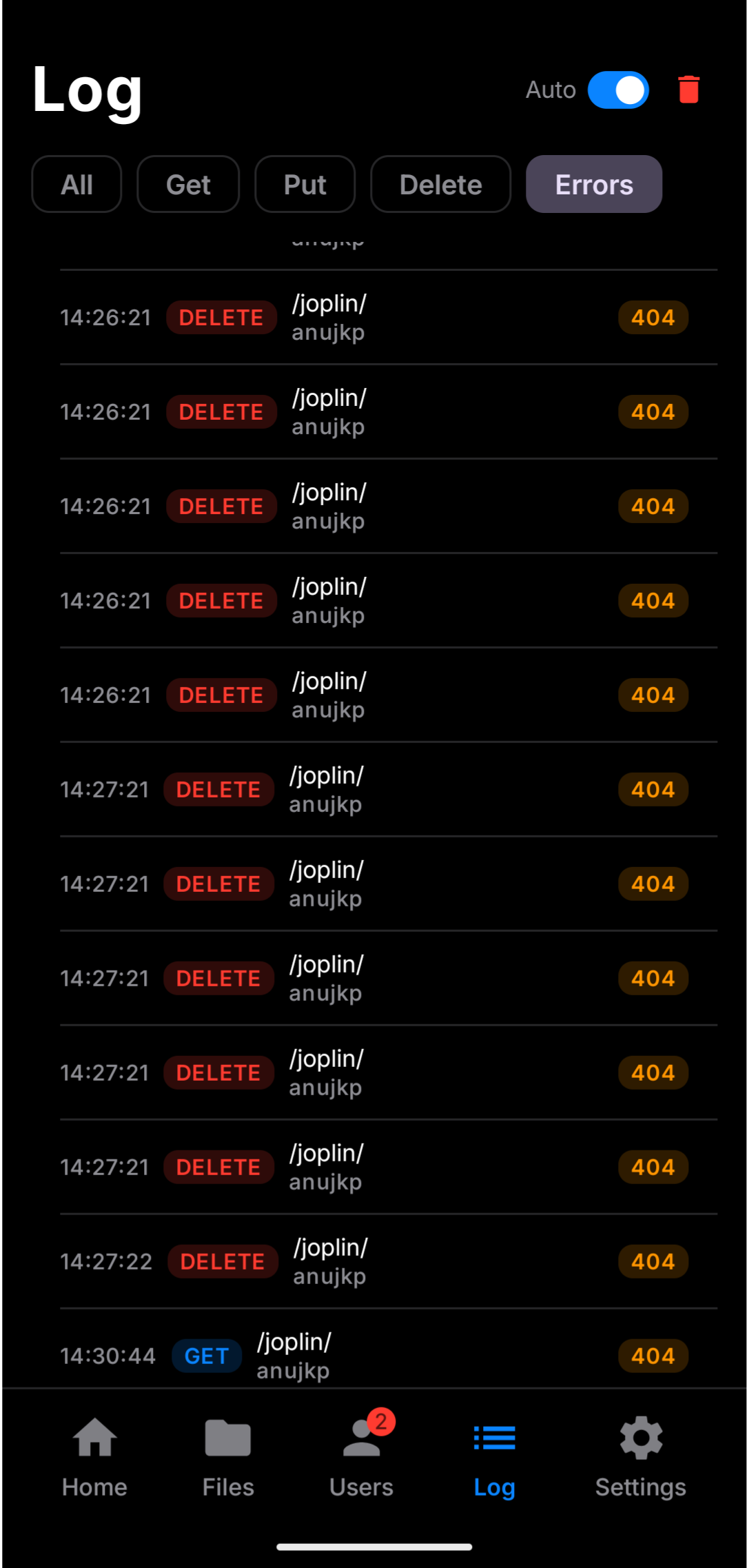
Use Get / Put / Delete / Errors chips to isolate traffic while a desktop client syncs.
Still stuck?
Confirm the phone and client share the same private network, the server is RUNNING, and you are using the credentials of an account that can see that path (admin vs user home).