
Home
Start and stop the server, see uptime and transfer counters, copy the address, or scan a QR code. Eye icons hide the address and QR.
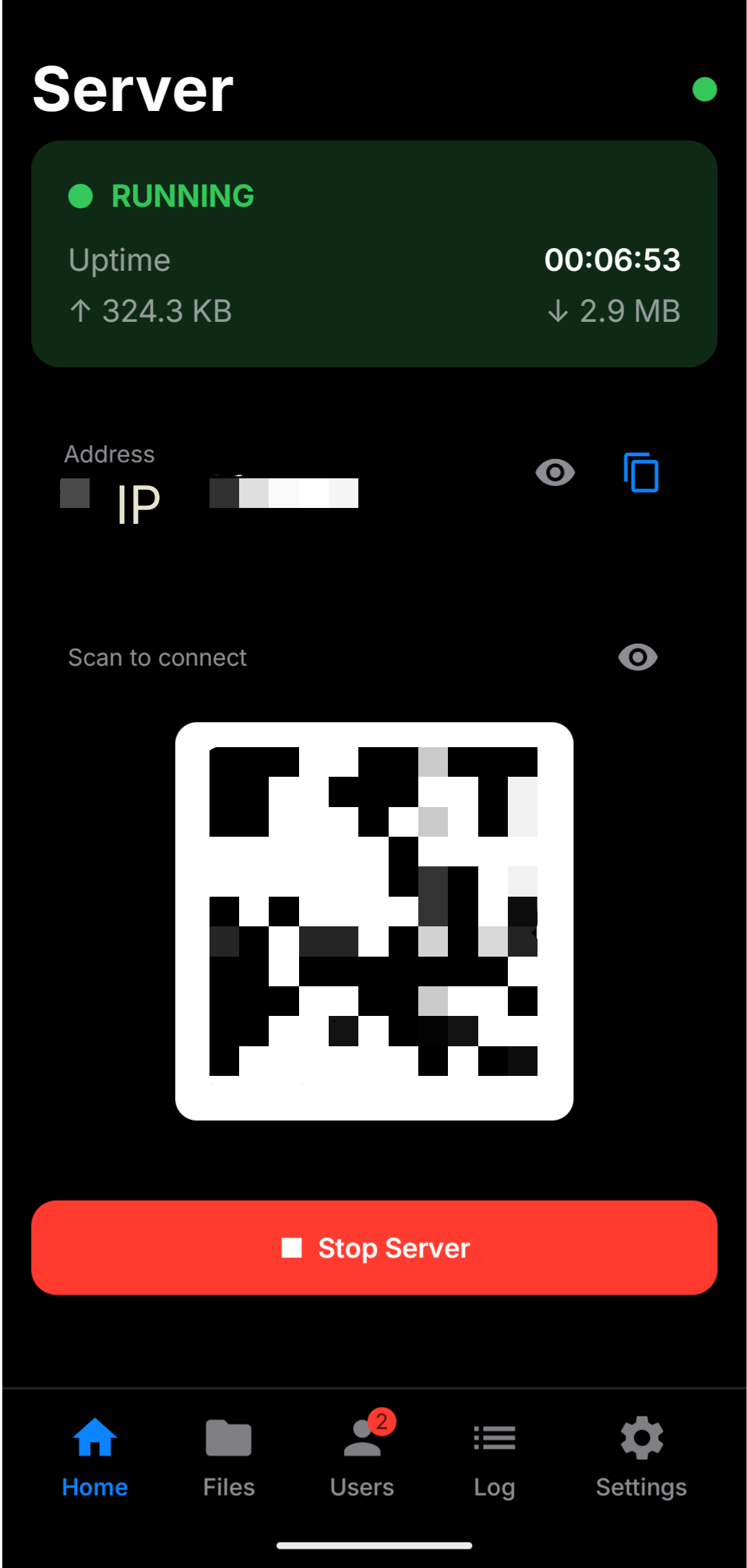
Self-contained Android server for sync and file sharing on networks you control. No cloud account. No public hosting. Just Ktor + Compose on AMOLED black.
Demo
A walkthrough of WebDAV Server — start the hub, browse files, and connect clients on networks you control.
Prefer the full player?Open on YouTube
A phone-side sync hub — not SaaS storage, not a public host.
AMOLED UI with everything you need for a local hub.
Start and stop the server, see uptime and transfer counters, copy the address, or scan a QR code. Eye icons hide the address and QR.
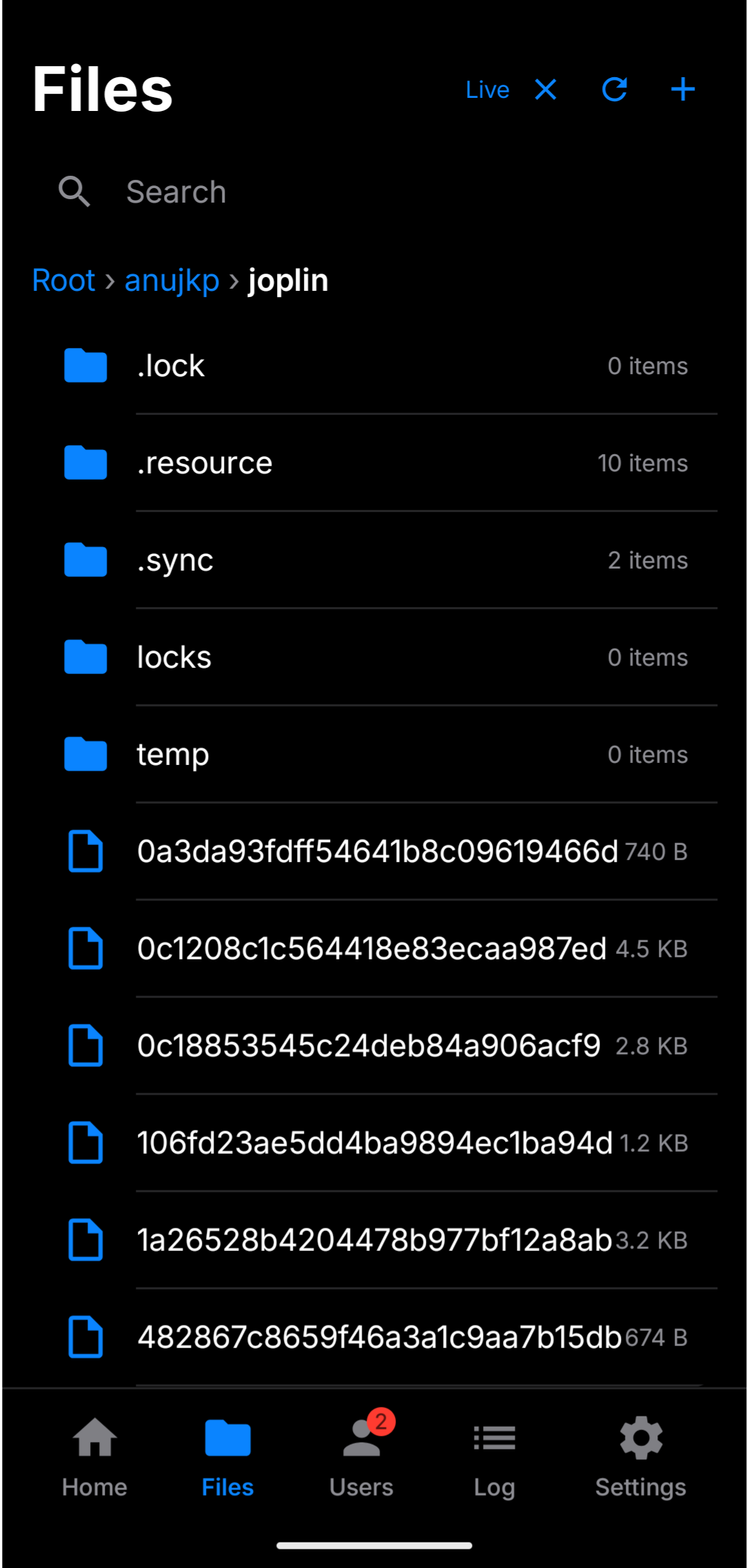
Browse the root on-device. Live updates, create folders, long-press menus, paste, and media previews.
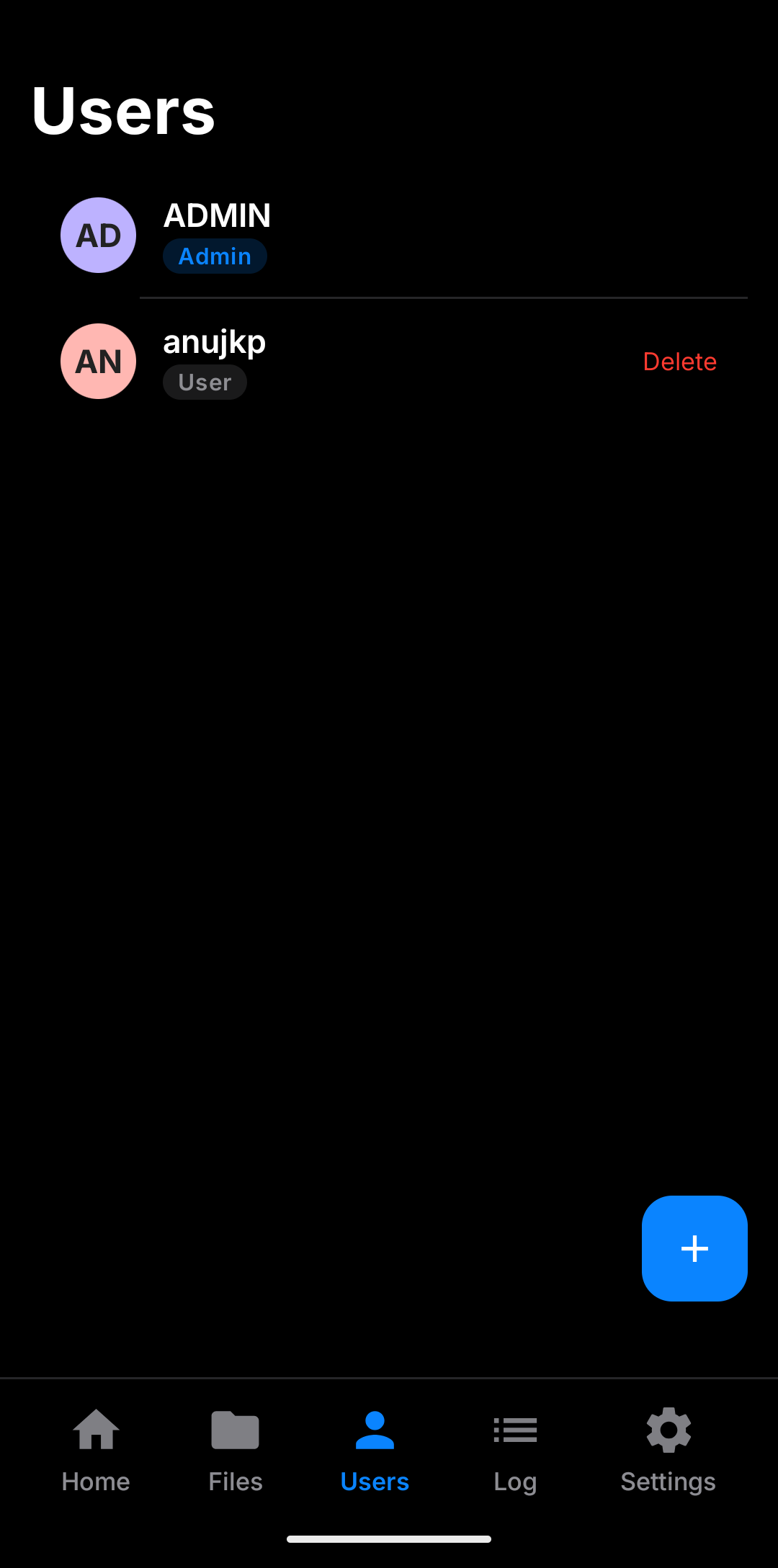
Admin sees the global root. Users get a personal home. Optional read-only. Last admin protection.
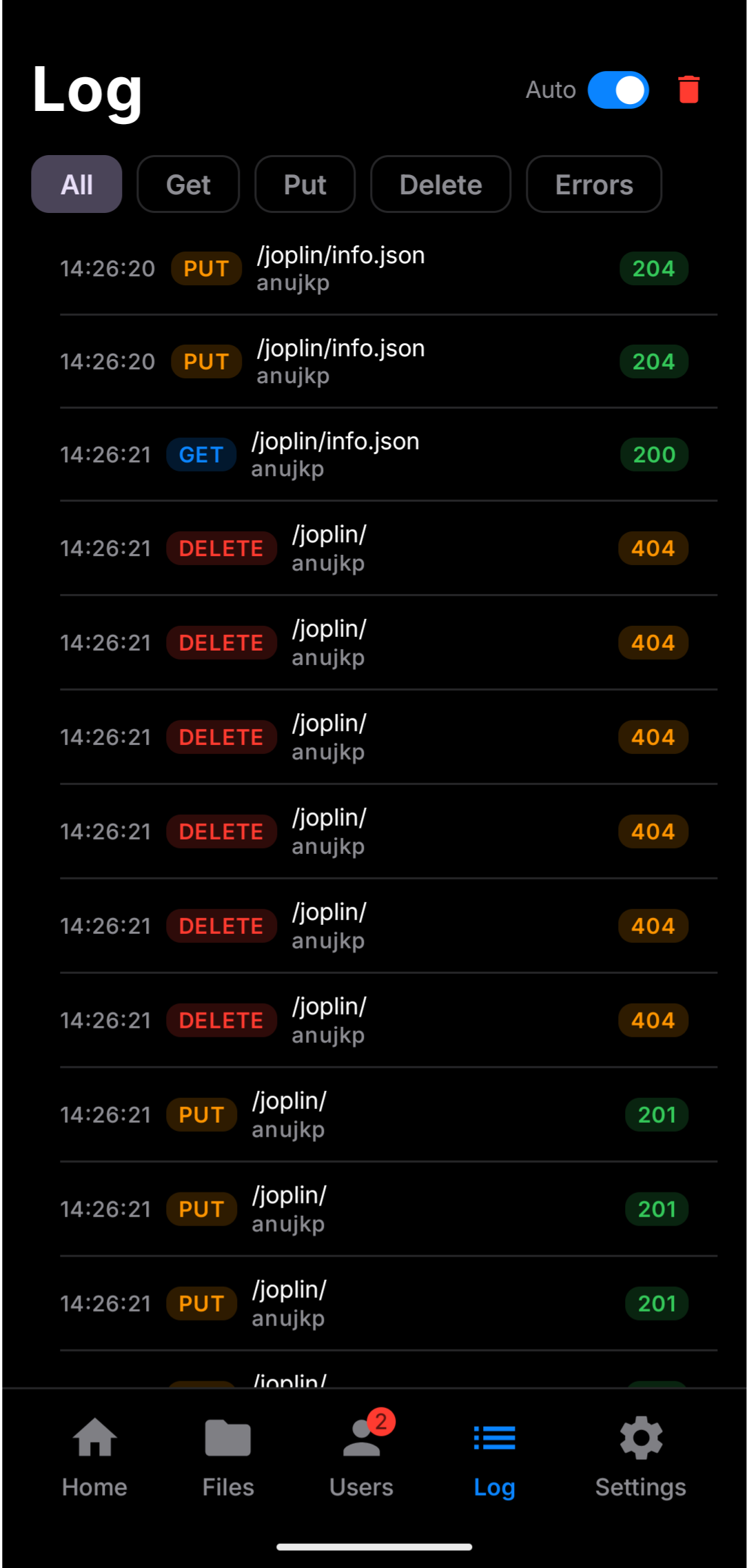
Filter GET, PUT, DELETE, and errors. Debug 401/403/404 without flooding from Live browse.
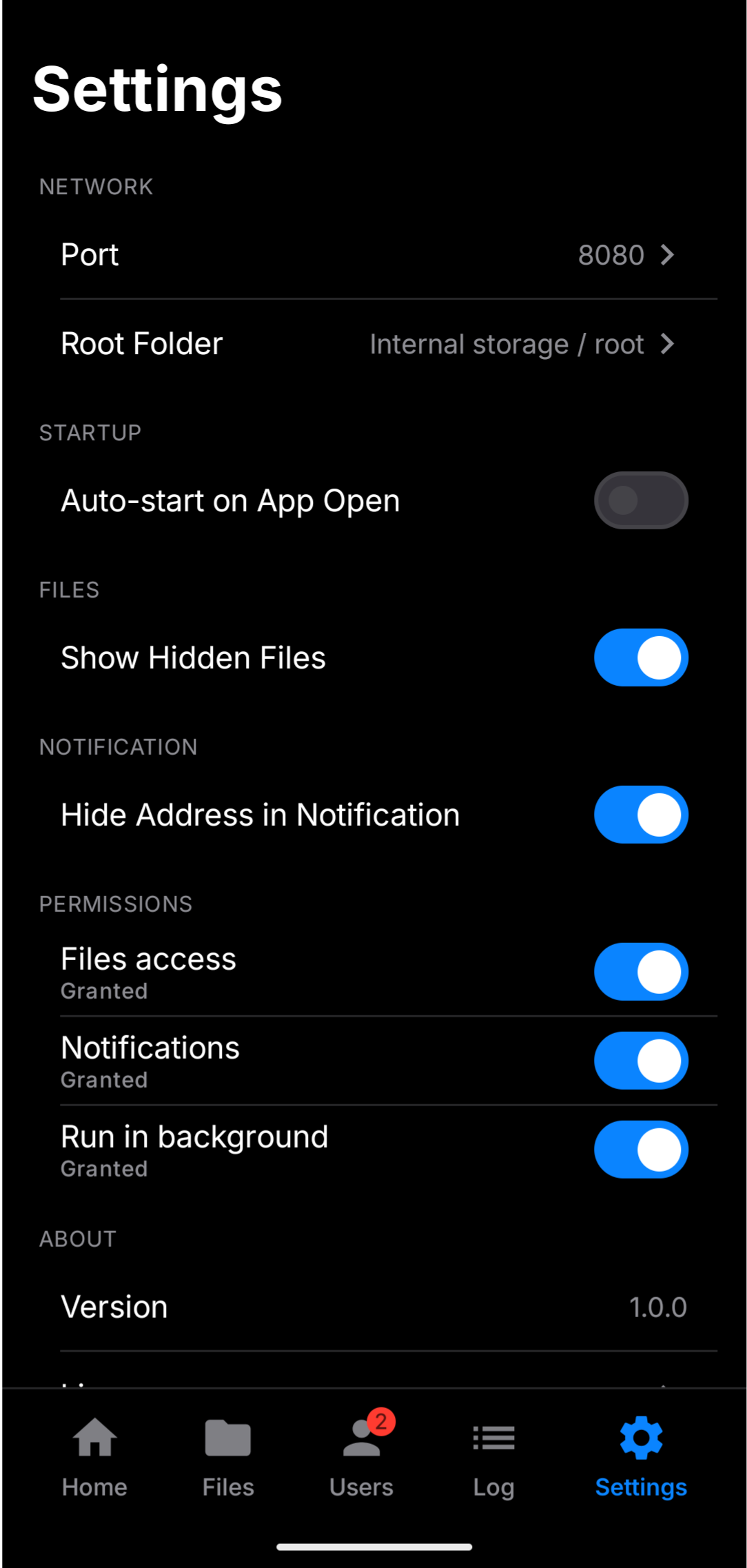
Port, root folder, auto-start, hide address in notification, files / notifications / background permissions.
Real sync
Point Joplin, file explorers, or any standard WebDAV app at your phone over a private path you control — no cloud account required.
Connect a client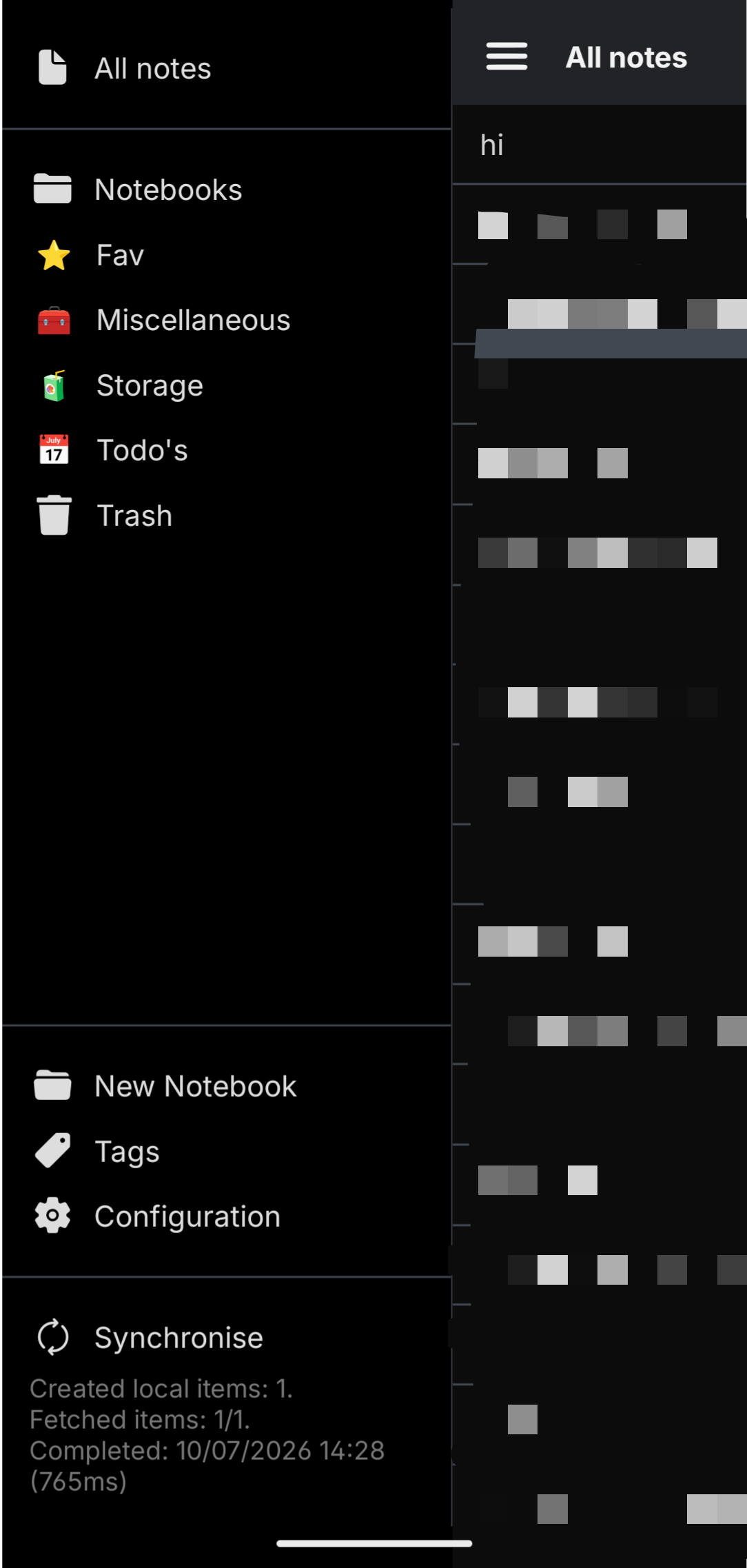
Browser access
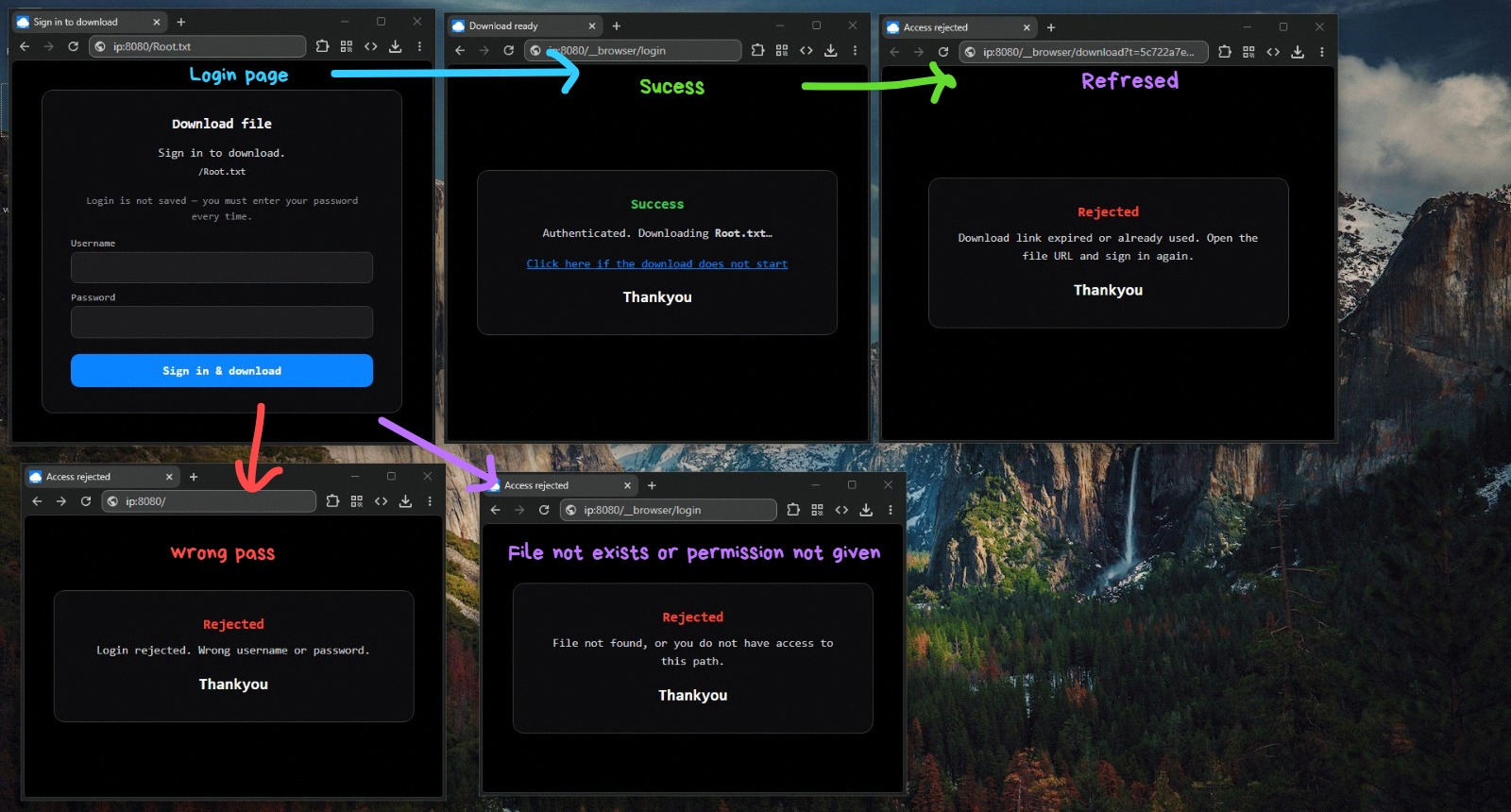
Pointing a browser at a file path still gives a lightweight download UI: sign in, start the download, and see what happens on refresh, wrong password, or no access — all without turning the phone into a full web file manager.
Finish setup on the phone, then connect any WebDAV client.